 DE
 EN
EFCS
Case study
For a major sports event with around 10,000 participants, organizers face enormous challenges. Digital support for such an event requires precise planning and a platform that is both easy to use and highly functional.
With the Participant App, we offer participants a user-friendly and efficient interface for their iOS and Android devices. They can see at a glance when and where they are expected to participate, with all data kept up to date. Real-time results allow athletes to continuously monitor their progress. Furthermore, they can view an overview of medal standings by country and company. A support area is available for users with questions or concerns. Thanks to the integration of Google Maps, navigation to the respective competition location is also child's play. In addition, they have direct access to the rulebooks for their respective disciplines.
The Organizer App is the central management tool for the entire sports event. With its help, data from existing registration tools can be easily transferred. The app offers the flexibility to easily adjust participant data and team structures. In addition, it allows organizers to define the sports for the tournament and expand them as needed. The integrated tournament planner adapts to the specific needs of the event and ensures that the tournament process is optimally structured. Once planning is complete, the official tournament schedule can be released at the touch of a button. But not only pre-planning, live events are not neglected either: results can be recorded in real time and published after a quick check.
The combination of both apps ensures that both organizers and participants have all the tools they need to make the event run smoothly and successfully.
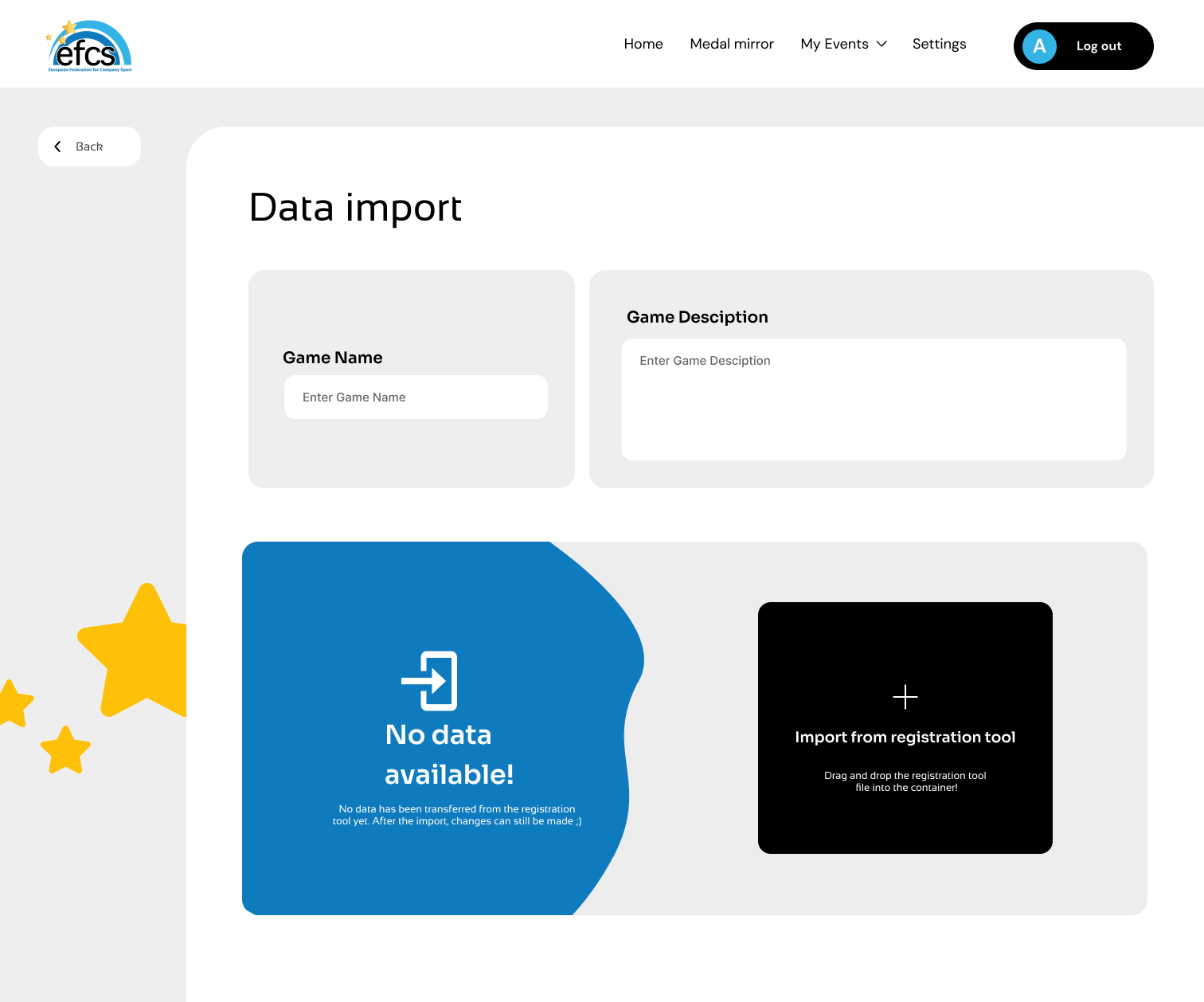
Data import
The client already uses a tool to register participants. In this part of our application, that data can be imported seamlessly into our system.
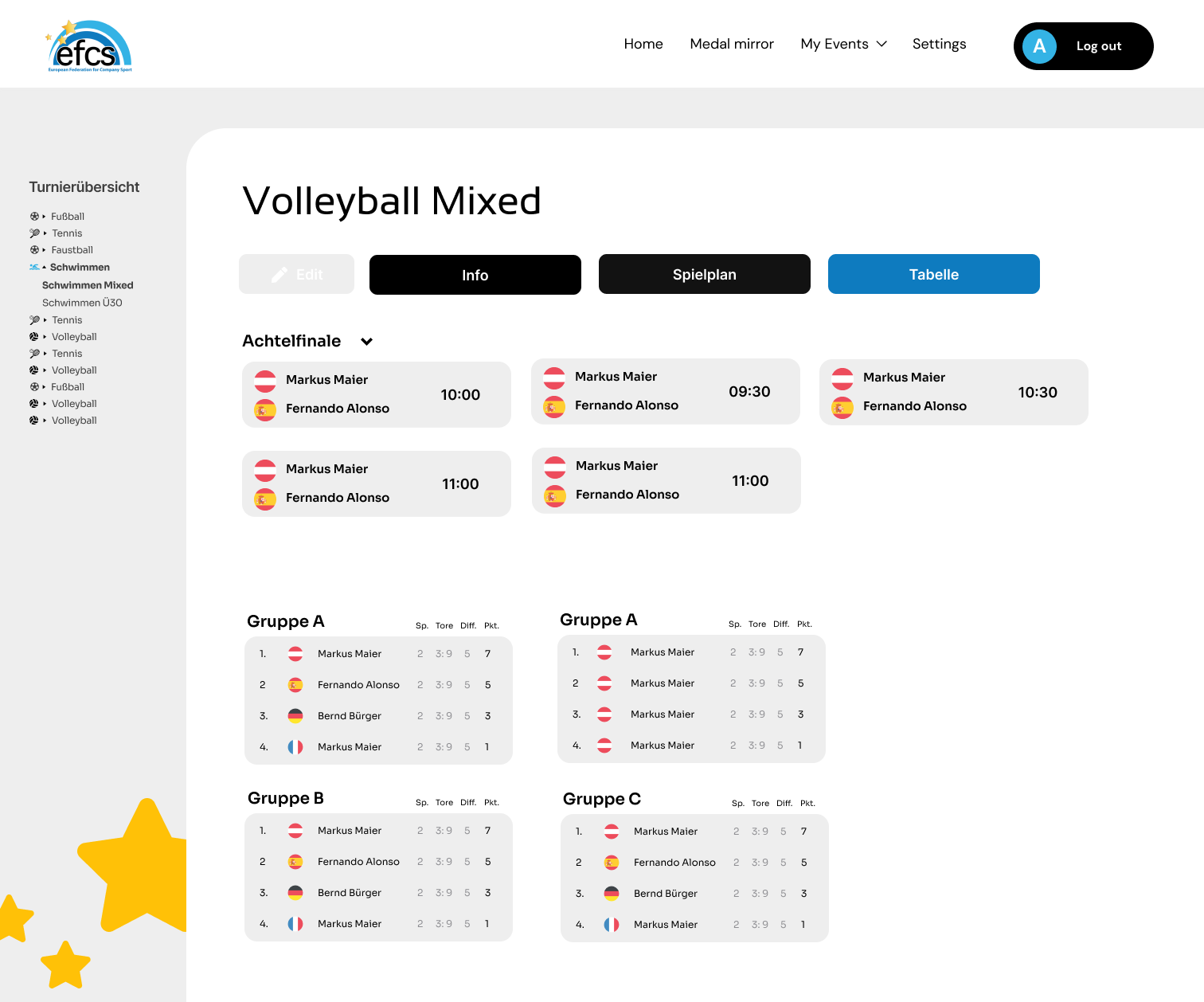
Tournament bracket
In this view, an organiser can look up information about a specific event without being able to edit it, as they lack the permission to do so.
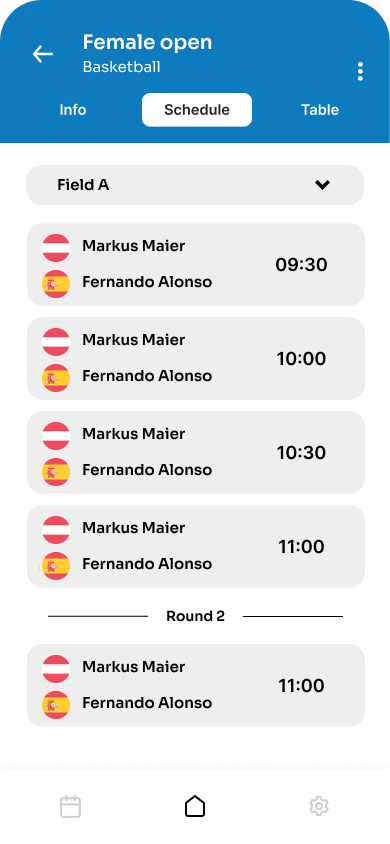
Schedule
This screen gives participants an overview of the current schedule and the results.
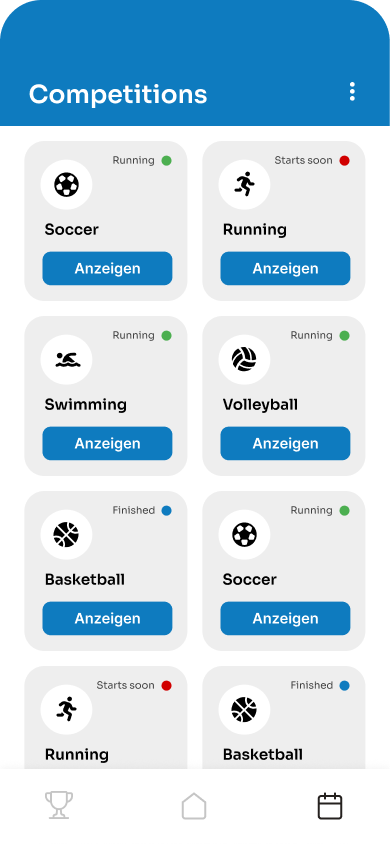
Event overview
Participants can take a closer look at the events they are interested in and follow live scores, among other things.
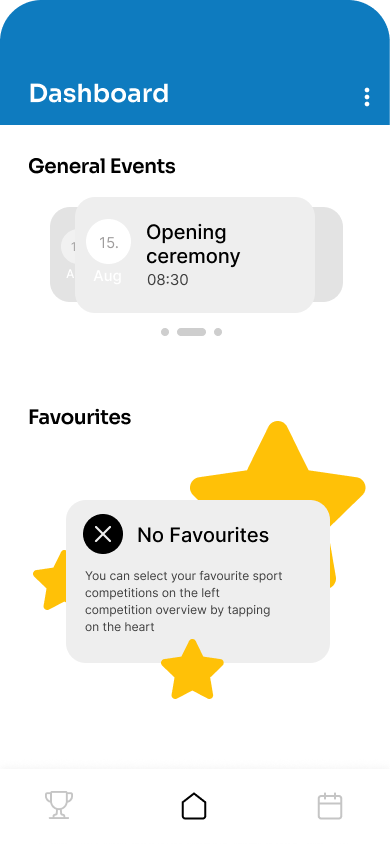
Dashboard
The dashboard keeps participants informed about upcoming events.